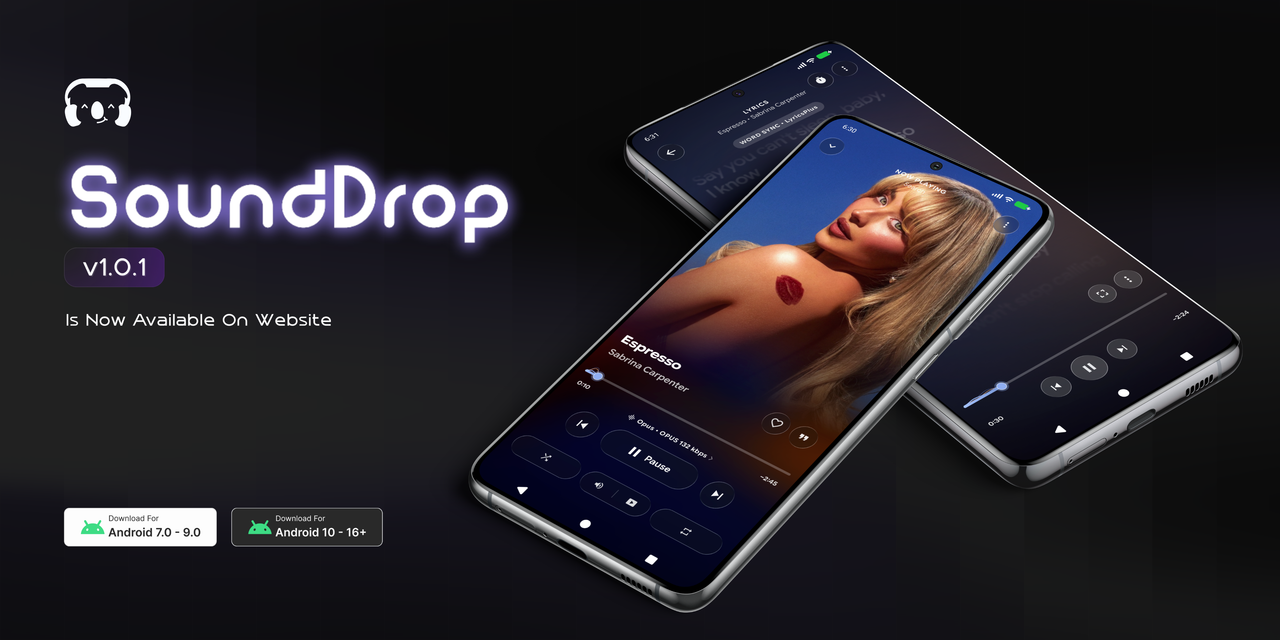
Official First v1.0.1 Release
First Official Version Release v1.0.1
UI Update
Feed Screen / Home Screen UI
More Compact Cards
Smooth Animations
Loading Skeleton
Sections Redesigned
Download Screen
Songs, Artists, Albums Tab Seperated Filter
Search Bar And Sorting
More Compact Songs List & Cards
Widget & Notifications
UI Redesigned
Search Screen
UI Design Improved & Better Functionality
How To Update App?
Step 1: Check for Updates Inside SoundDrop
Open the SoundDrop app on your device.
Handle the update pop-up: If an update notification appears immediately on your screen, tap Update. This will automatically open your web browser and take you to the download page.
Check manually (if no pop-up appears):
Navigate to the Settings menu.
Scroll down and select System & About (or About & System).
Scroll down to the bottom and tap the Check for Updates card.
If a new version is available, tap the Update button to launch the download page in your web browser.
Step 2: Download the APK File
Bypass the blank browser page: When your browser opens, the screen may appear empty or white. This is normal behavior while the server prepares your file.
Confirm the download: A warning prompt will appear asking if you want to download the file anyway (especially if you have previously installed a SoundDrop APK).
Tap Download Anyway to start saving the file to your device.
Step 3: Install the Update
Locate the file: Once the download finishes, open your device's File Manager app.
Open the APK: Navigate to your Downloads folder, find the newly downloaded
SoundDrop.apkfile, and tap it.Initiate setup: Tap Install when prompted by the system.
Step 4: Pass Google Play Protect & Security Scans
Run the security check: Your operating system or Google Play Protect will prompt you to scan the app. Tap Scan and Install.
Authorize the final installation: Once the security scan completes successfully, Google Play Protect will present two options (typically Install or More Details / Cancel).
Tap Install to finalize the process.
The system will overwrite your old app version without deleting your data. Once completed, open SoundDrop and enjoy your new features!
Never miss a release.
Get a short summary of new features and fixes whenever we ship.
One email every two weeks. Unsubscribe anytime.